




#PoweredByTRS
Technical Resource Solutions, LLC | Copyright (C) 2003-2024 | All Rights Reserved
#PoweredByTRS


Your online privacy is important, and your personal information may not be as secure as you've been led to believe.
If you're on the internet, it is most likely that you are using a browser, and it is important to keep in mind that your browser is collecting your personal data as you are surfing the web. Many people turn to privacy browsers for this very reason, but there are some things you need to know before jumping in.
At its core, a privacy browser is a feature on most web browsers that allows you to surf the internet without saving your history, passwords, or cached data on your device.
You should use a private browser when you are looking for something on the internet that you don't want people that have access to that same device or account to see. This can be helpful when you're using a public computer, when you are shopping online for a gift for someone else, or even if you're trying to avoid being price gouged based on your past search history for things like flights or hotels.

In reality, most privacy browsers are not all that private. If you want to keep your data private, you need to take the time to find a trusted browser application that you know is secure.
Even though your history is not being saved on your device when you're using a private browser, third parties, your internet service provider, and the individual websites you visit are still able to track you.
When surfing the web privately there are two different methods you can use depending on the amount of online privacy you are hoping for:
There is private browsing, which hides your online activity on your device when you close your browser, but it does not protect your data from being tracked by outside sources. Some examples of these browsers include Google Chrome, Apple Safari, and Microsoft Edge.
Then there is anonymous browsing, which involves taking an extra step and doing your online browsing through a VPN. A VPN encrypts your traffic and masks your IP address, making it much harder for your ISP or outside parties to track you — though it's not foolproof, since websites can still identify you through cookies you accept or browser fingerprinting.
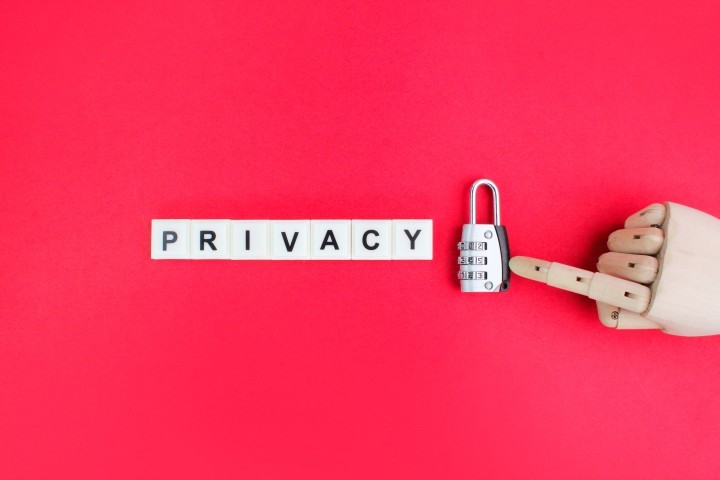
Although private browsing can be helpful in keeping your data secure, there are quite a few limitations that you need to be aware of before you begin browsing.
Your privacy should be protected, and at Technical Resource Solutions we make protecting your personal data a priority. We work proactively to ensure we find and fix any issues before they even begin, that way your business's data stays secure. If you are interested in leveling up your business with a managed service provider, contact us and we can discuss why Technical Resource Solutions is the right fit for your company.
If you utilize the Technical Resource Solutions Ticketing Portal to manage and create tickets, click the button below to open a new support ticket.
Ticketing PortalIf you do not currently have access to the ticketing portal, give us a call to request access.
Call TechnicalRS