




#PoweredByTRS
Technical Resource Solutions, LLC | Copyright (C) 2003-2024 | All Rights Reserved
#PoweredByTRS


Keeping up with all your passwords across multiple sites can feel nearly impossible. With different password requirements and unique passwords for each site, how can you make sure that you are keeping track of all of them in a secure manner?
The answer is simple: a password manager. Utilizing a trusted password manager within your organization can take the task of finding passwords from a daunting chore to simple and quick job!
A password manager is a digital tool that stores and manages your passwords all in one place, making for a simple log-in process when opening websites on your browser. Instead of remembering where you wrote down your passwords when you get logged out of sites, password managers allow all your log-in information to be easily accessible at the click of a button.
Many of us make the mistake of recycling a few passwords across all our accounts, and although this can be convenient, it is not secure. If a hacker obtains one of your passwords, they can now access all your accounts that use that password. With a password manager you can use unique passwords for each of the sites you enter because you no longer have to be in charge of remembering all of them, all you need to remember is the one password that you enter to log-in to your password manager.
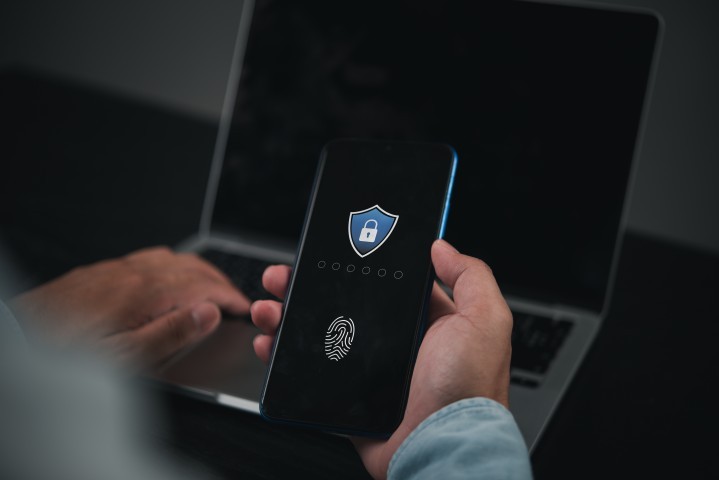
A password manager can be very beneficial when your business is working on multiple different accounts that more than one employee needs access to. It gives your company security when sharing passwords from one employee to another, because all the passwords are located on one network.
When someone on your team is sent a log-in, the credentials will automatically fill in for them, allowing your employees to use their time working on projects instead of trying to track down passwords to log-in to their systems.
Another advantage of password managers is that they require multi-factor authentication (MFA) in addition to a password to access your company's stored credentials. Even if your employee's device is lost or stolen, no one will be able to get into your company's data because they will not have access to both credentials required to enter the password manager.
Password managers also offer automatic password generation tools when creating new account log-ins. This feature is incredibly valuable because it ensures a strong password that hackers have a harder time guessing than a typical password that a person would make up.
Both of these tools can be an extra line of defense when it comes to password spraying. Password spraying is when attackers try a handful of commonly used passwords across many different accounts, hoping at least one matches, rather than repeatedly guessing against a single account. With auto-generated passwords, it decreases the chance of attackers guessing your credentials, and if they do they will have to face the MFA that only you have access to.
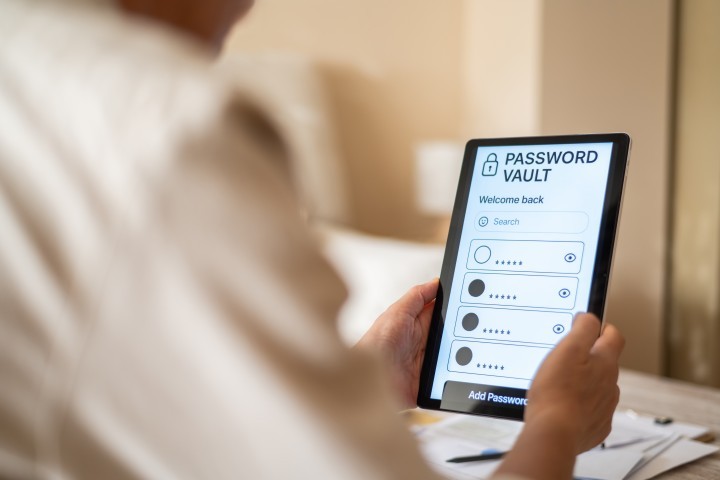
It is important to find the right IT team for your company to ensure your data stays safe so all your team has to worry about is running your business smoothly. Technical Resource Solutions is here to be your trusted strategic partner every step of the way. Choosing and rolling out the right password manager is exactly the kind of decision a strategic IT partner can help you get right. Password managers act as an extra safety net when it comes to keeping your business's data safe, and we can help you find the right password manager for your business.
If you utilize the Technical Resource Solutions Ticketing Portal to manage and create tickets, click the button below to open a new support ticket.
Ticketing PortalIf you do not currently have access to the ticketing portal, give us a call to request access.
Call TechnicalRS